

The world already has way too many apps. So we made one more.
Valco headphones are designed to sound good without you first spending three hours tweaking them on your phone screen. But people have the right to make their own mistakes. That's why we made Valco App.
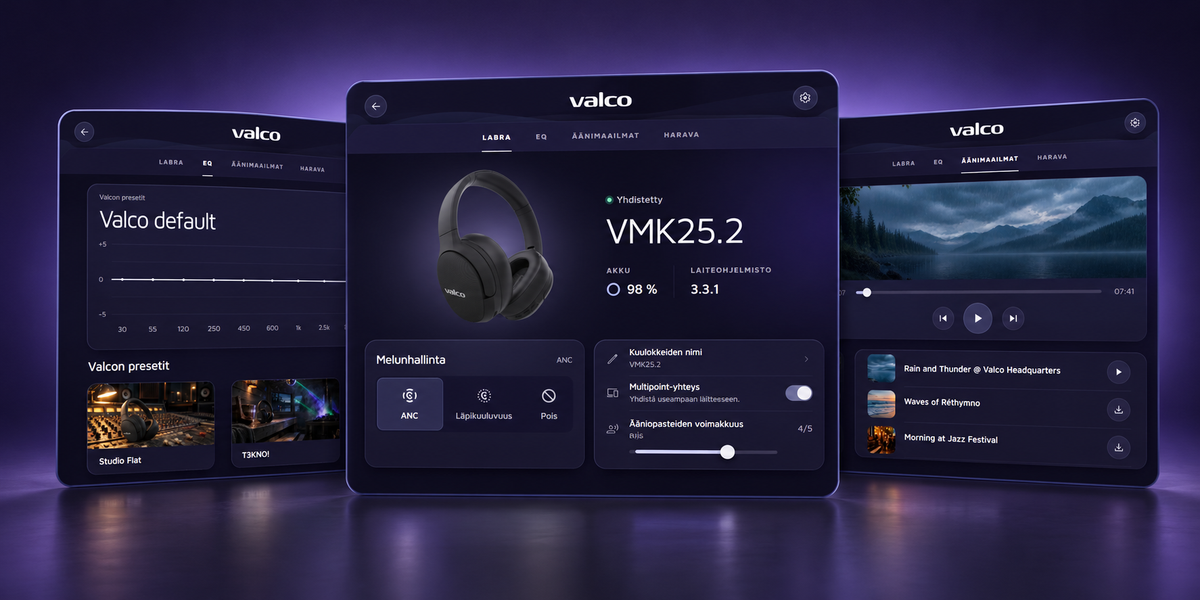
In the app you can control your headphones' features, explore the equalizer, pick ready-made sound presets and listen to soundscapes. There's also a game. Because obviously a headphone app needs a game.
Tweak, relax or waste your time

1. Whip your headphones into shape
Battery level, noise cancelling, transparency, Multipoint, Auracast, voice prompts and the rest of your headphones' innards live in the Lab. You can also rename your headphones, update the firmware and reset settings.
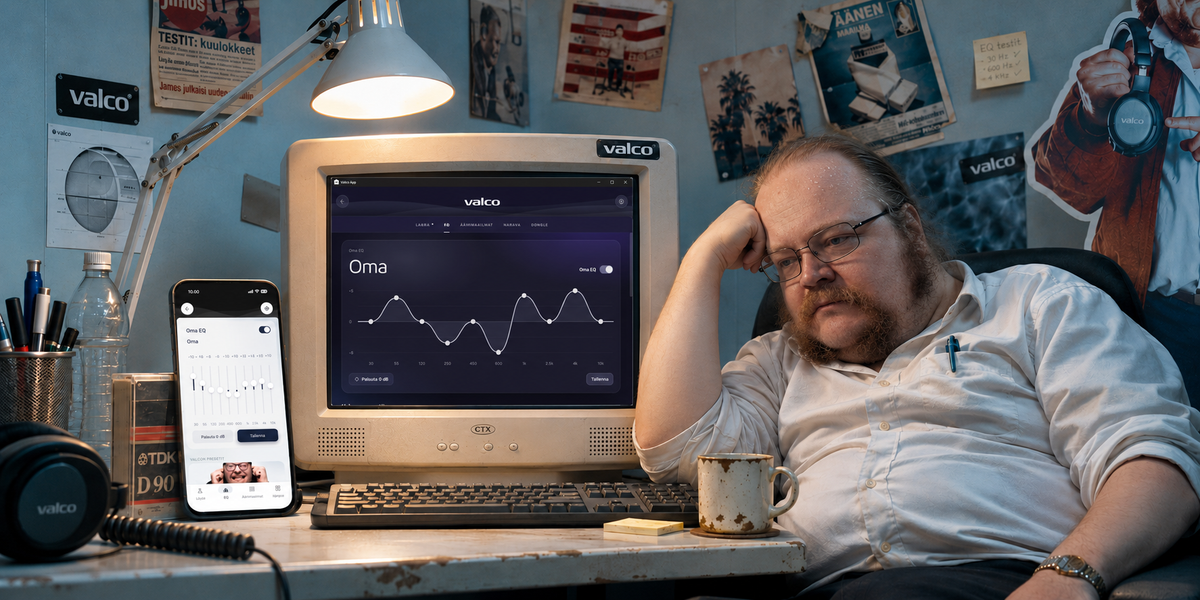
Over in EQ you'll find Jasse's presets, your own settings and ten sliders for those who think Jasse doesn't know anything about anything anyway.
2. Put the world on mute
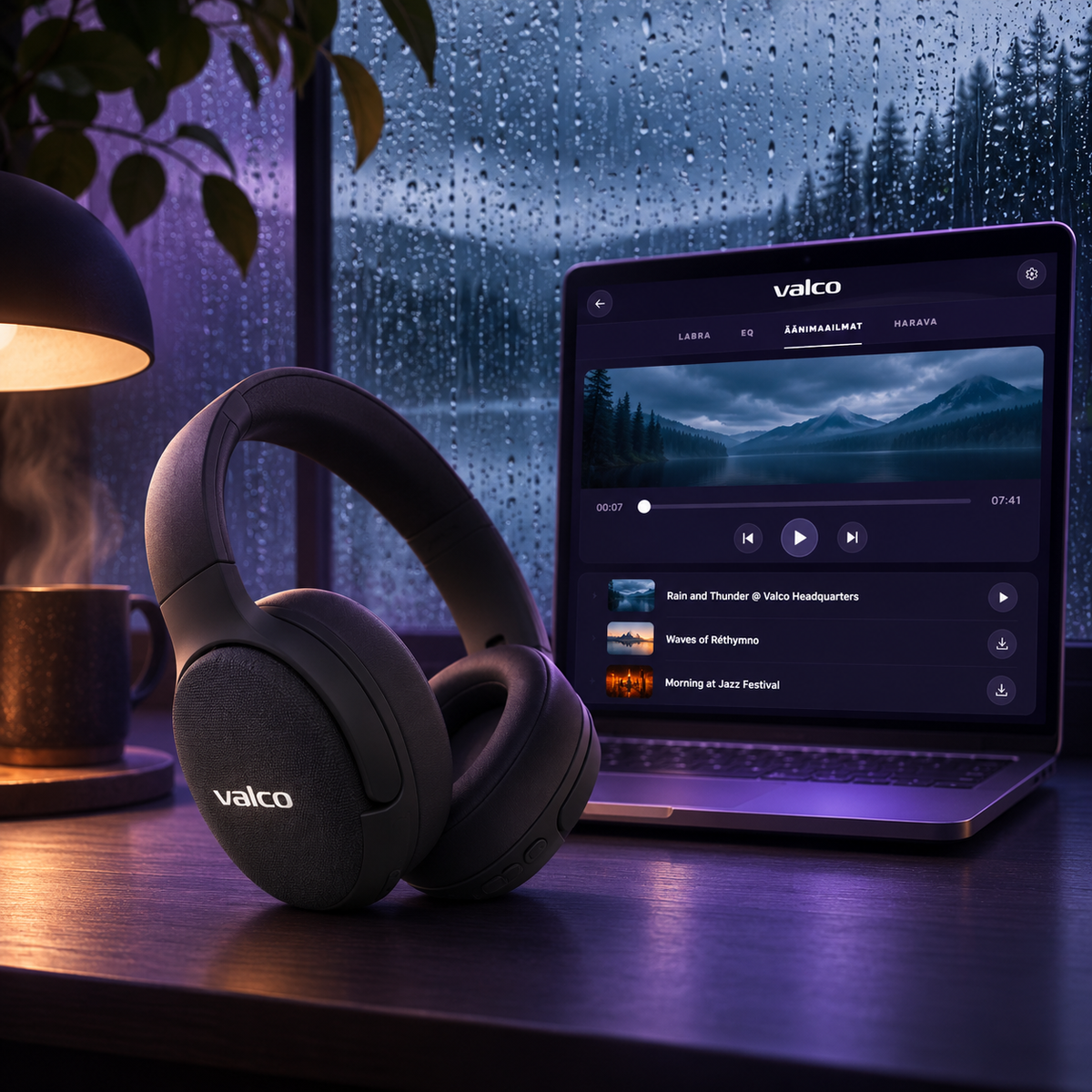
Craving rain, thunder or the buzz of a jazz club without getting wet, crammed in or overcharged for beer? Soundscapes has long, looping tracks you can hide the world behind for a while.
Sometimes the best sound isn't music. Sometimes it's just not having to listen to other people.
3. Totally pointless, but you have to play
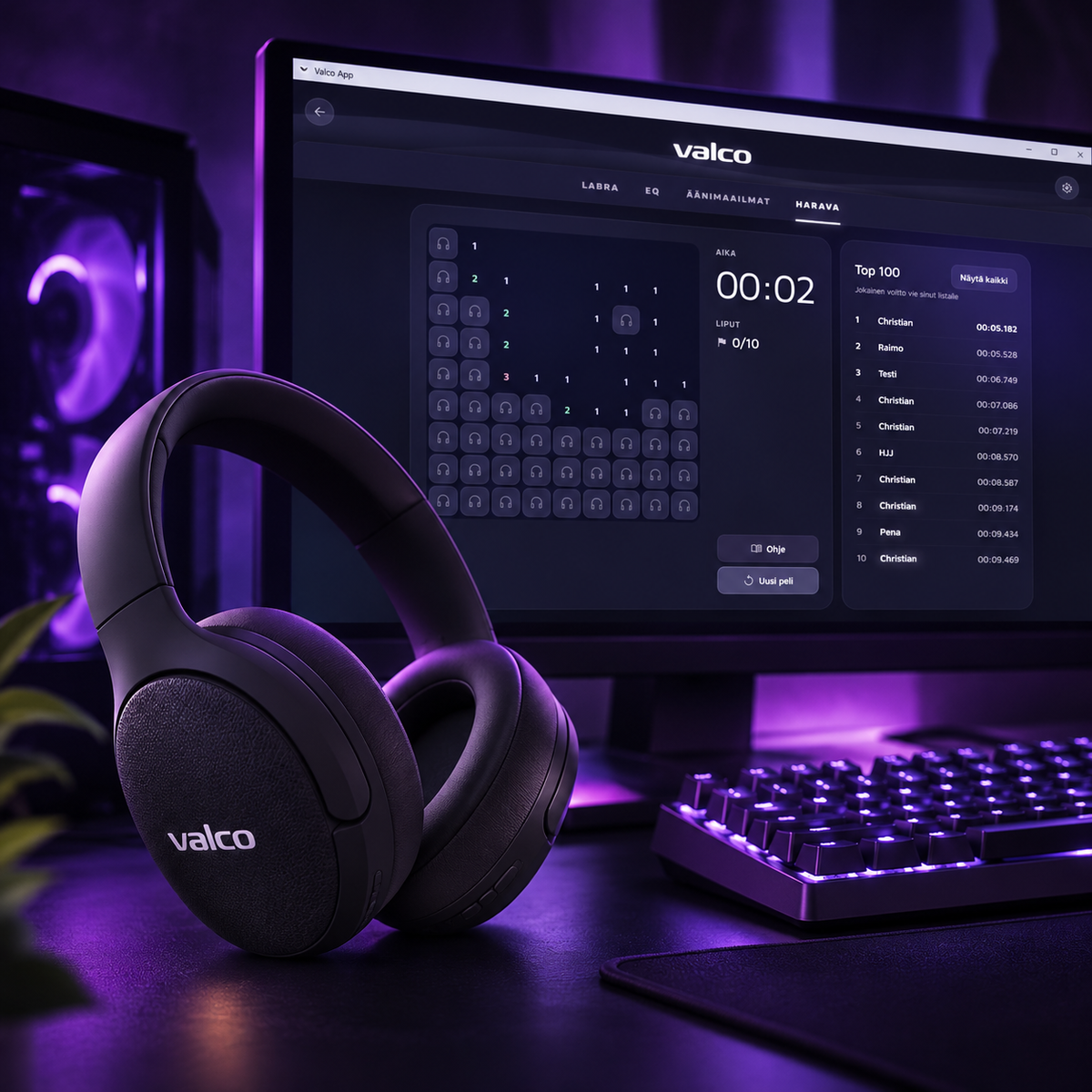
Yes, we put a game in a headphone app too. In Kuulokeharava you collect flags, dodge mines and try to make the leaderboard with the best time possible.
Does it improve the sound quality of your headphones? Hell no. But at least you've got something to do while everyone else fiddles with their bass.

Download it now, since you made it this far
With Valco App you can control your headphones, tune the sound to your liking, listen to soundscapes and play Kuulokeharava. Download the app, connect your headphones and start poking around.
Compatible headphones: VMK25.2 and VMK15.
You'll find more detailed instructions on Valco's support pages.


Frequently asked, in case anyone cares
Can I update my headphones with the app?
In the app you'll find your headphones' firmware info and the update function. If a new version is available, the app will help you get it done. Just don't switch the headphones off in the middle of an update. Electronics generally don't appreciate that.
Which headphones does this work with?
Valco App supports the VMK25.2 and VMK15 headphones. If you have some other model, don't expect miracles. Not yet, anyway.
Do I need the app to use the headphones?
No. The headphones work fine without it. The app is for people who want to tweak the sound and other settings, or just like pressing buttons.
What if I manage to ruin Jasse's tuning?
No worries. You can go back to Valco's default setting and switch your own EQ off. Jasse can sleep peacefully again.
Will Jasse get mad if you come up with better settings than him?
Probably not, as long as nobody tells him. But if you want to show off even a little, you can drop our customer service crew a line at info@valco.fi
What if the app can't find my headphones?
Make sure the headphones are switched on and connected to your device via Bluetooth. If it still doesn't work, contact Valco customer service.